

Installation
Shotmetrix as an App
on your Home Screen
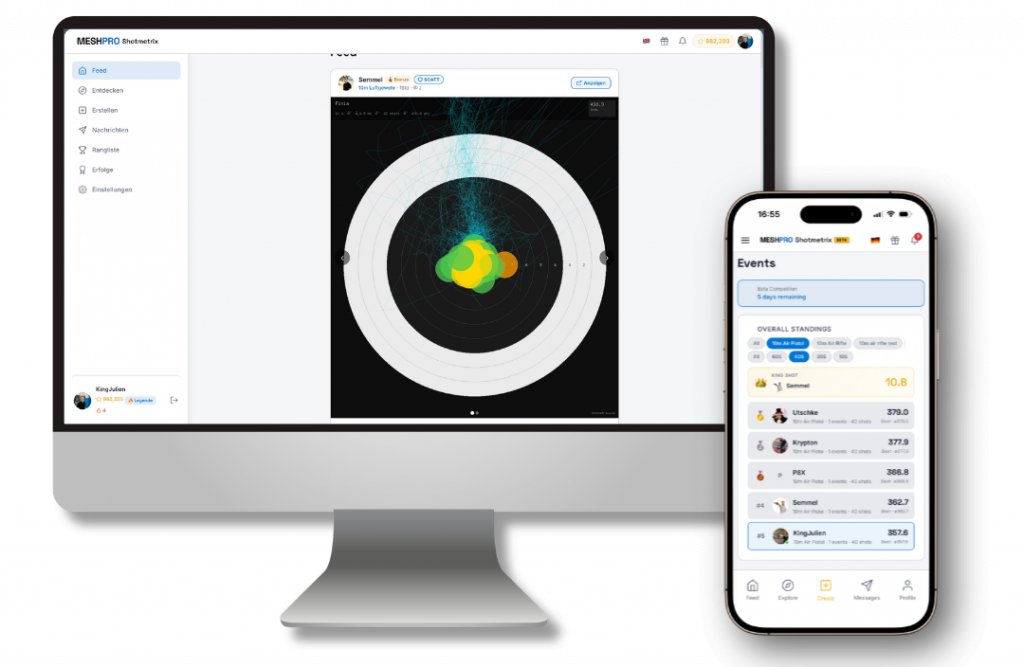
Shotmetrix runs directly in your browser — but you can add the web app to your home screen just like a regular app. No app store, no download, and it only takes 30 seconds to set up.
- 1Open Shotmetrix in SafariOpen shotmetrix.com in the Safari browser.
- 2Tap “Share”Tap the icon with the upward arrow at the bottom of the menu bar.
- 3Select “Add to Home Screen”Confirm the name and tap “Add” to finish.
- 1Open Shotmetrix in ChromeOpen shotmetrix.com in the Chrome browser.
- 2Open the menu in the top rightTap the three dots ⋮ next to the address bar.
- 3Select “Install App”Alternatively, select “Add to Home Screen” — depending on your version of Chrome.
After that, Shotmetrix launches from your home screen with its own icon — in full-screen mode, without the browser bar.

 English
  German